


Information Technology
Army Data Strategic Goals
VAULTIS Principles and Goals
1. Make data a strategic asset for the Army
2. Improve the availability and usefulness of data
3. Improve the effectiveness of information sharing across the Army
The Army of 2030 will be fueled by data and data analytics. Soldiers will need the right data, at the right time, and the right place to enable faster and better decisions at each echelon - to out-think and out-pace any adversary.
The Army is evolving its culture, not only to embrace data for decision making, but to assist in its generation and quality control.
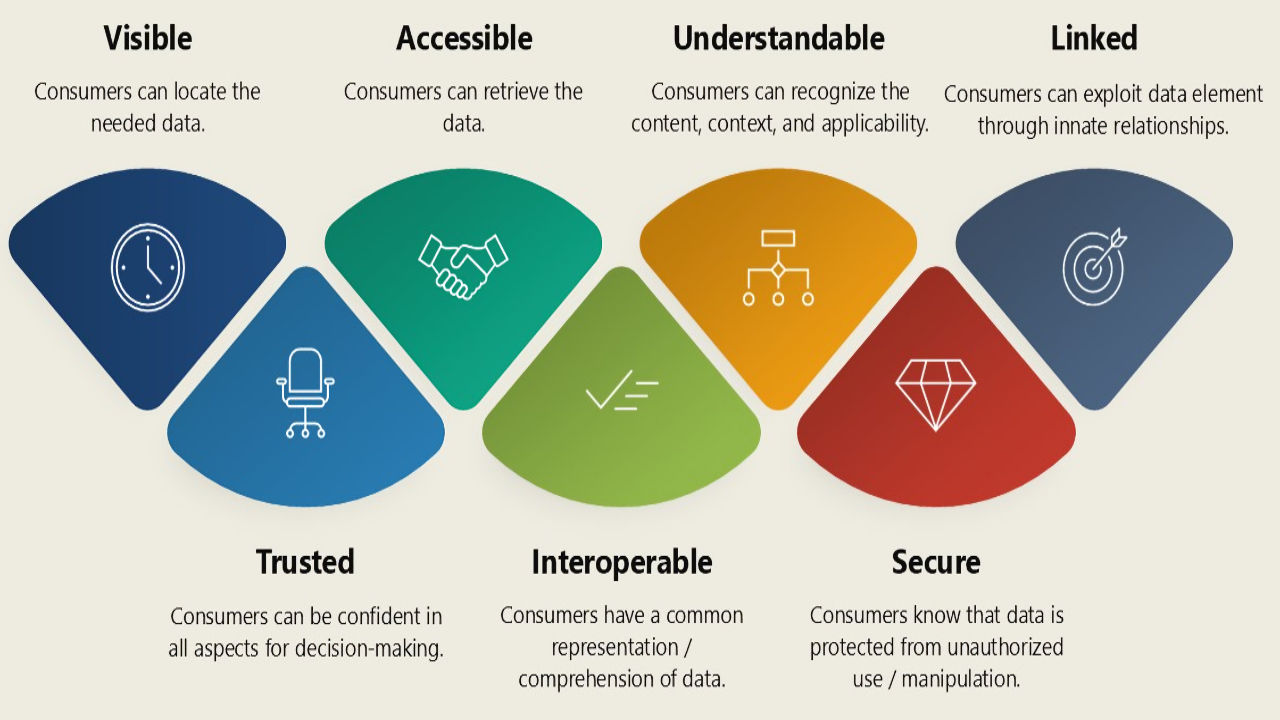
Data that is visible, accessible, understandable, linked, trusted, interoperable and secure improves information sharing for decision-making advantage.
Army leaders should not pass up opportunities to capture information of value to others but rather obtain and pass useful information for the greater good.
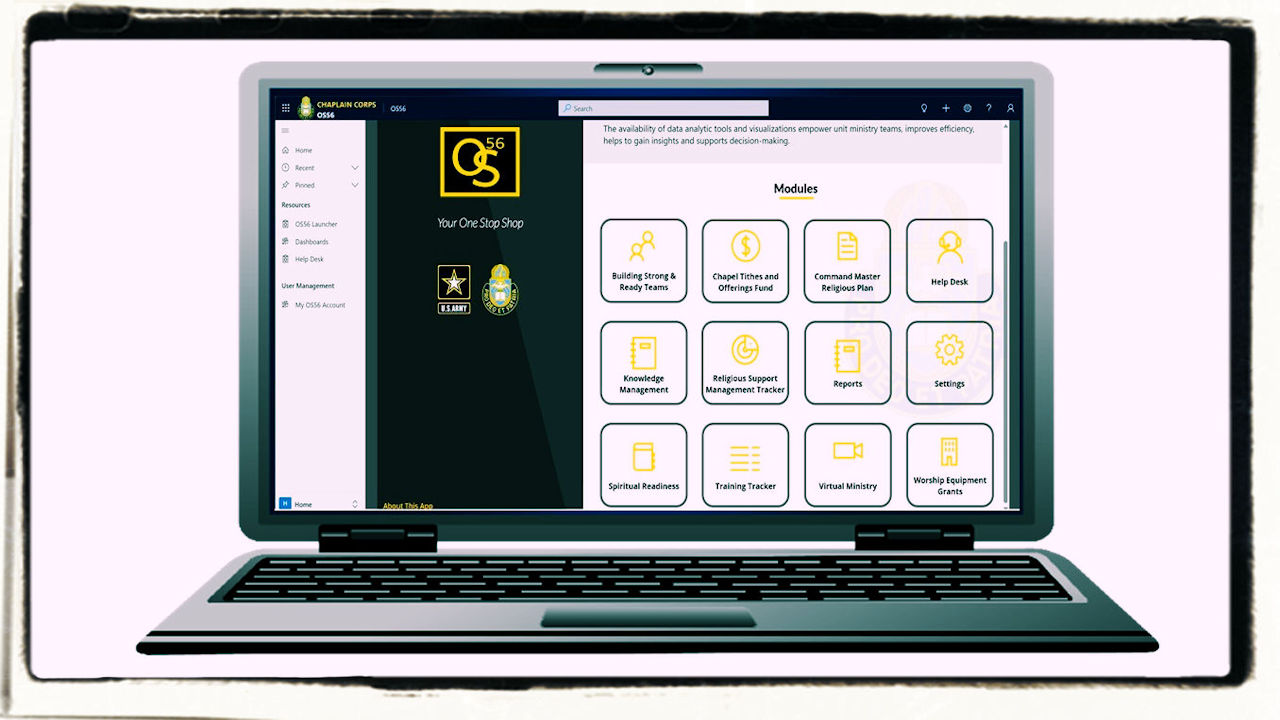
Chaplain Corps Automated Religious Support System (CCARSS)
CCARSS (known as OS56) is the Army Chaplain Corps enterprise information system with a suite of software applications designed to facilitate religious support mission Army-wide. The system is a cloud-based, all in one business management solution ("one stop shop") with multiple separate applications integrated into a single comprehensive portal. Dashboards and reports are embedded to support analytics and decision-making. OS56 includes the following modules:
- Building Strong and Ready Teams (BSRT)
- Command Master Religious Program (CMRP)
- Chapel Facilities Management (CFM)
- Chapel Tithes and Offering Fund (CTOF)
- Religious Support Management Tracker (RSMT)
Click here to access OS56 Training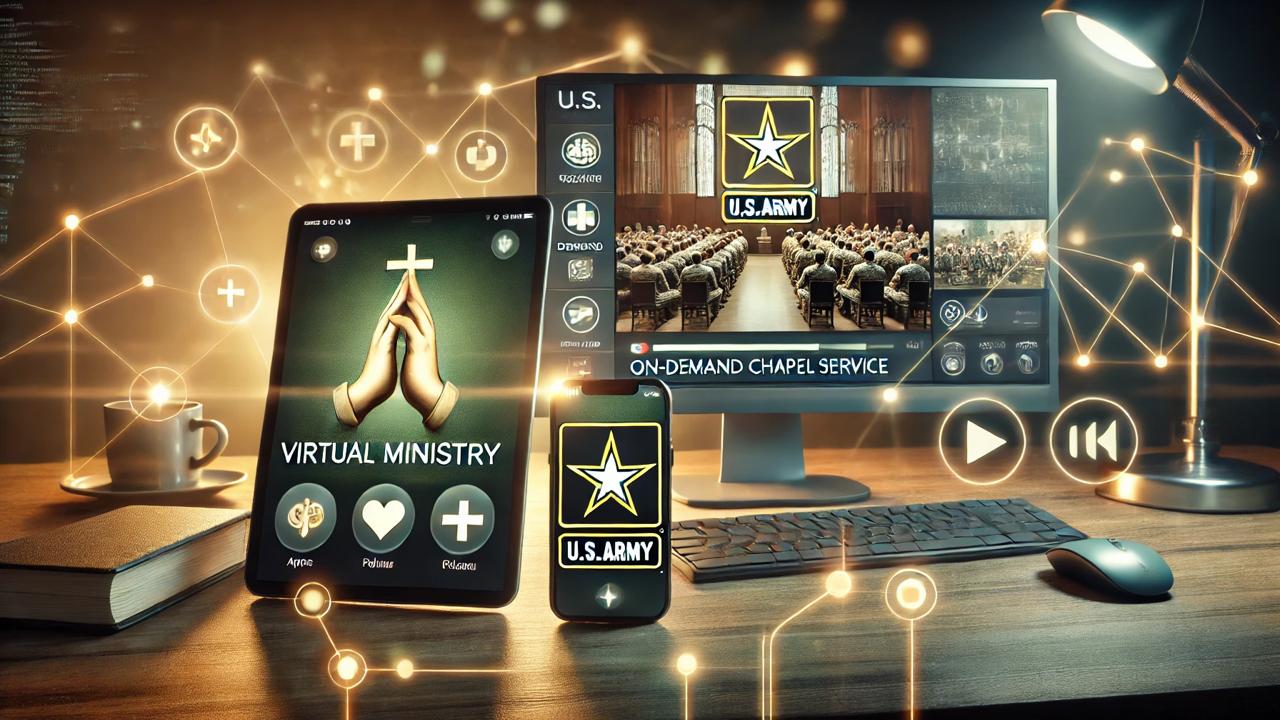
Virtual Ministry Apps
The U.S. Army's fifty-one (51) virtual ministry mobile apps, available on Google Play and the Apple Store, are designed to provide comprehensive spiritual support and resources for Army stakeholders. These apps offer a wide array of tools, including daily devotionals, prayer guides, event calendars, and live-streamed worship services, all tailored to meet the unique needs of soldiers, families, and civilians. With user-friendly interfaces and secure platforms, the apps ensure easy access to spiritual care, resilience-building content, and community connections anytime, anywhere. By harnessing the power of mobile technology, these virtual ministry apps extend the reach of the Chaplain Corps, fostering faith, hope, and a sense of purpose across the Army community. Click images below to preview / view list of available apps.



Microsoft Learn
Training Resource
Microsoft Learn is a free, interactive learning platform designed to help individuals develop skills and knowledge across Microsoft technologies and services. It offers tailored learning paths, modules, and certifications covering a wide range of topics, including Azure, Microsoft 365, Dynamics 365, Power Platform, and more. With interactive exercises, step-by-step tutorials, and hands-on labs, Microsoft Learn caters to all experience levels, from beginners to advanced users. The platform also integrates with GitHub and other tools, making it a versatile resource for both technical professionals and business users aiming to enhance their capabilities and stay competitive in the evolving tech landscape.
Click here to assess Microsoft Learn
Information Assistant Tool
Leveraging Artificial Intelligence (AI)
The Chaplain Corps Knowledge Management Portal Information Assistant is an AI-powered tool that enables users to quickly:
- locate relevant content
- generate summaries
- streamline knowledge discovery
By combining secure data access with intelligent assistance, the OS56 Knowledge Management Platform empowers Chaplains, Religious Affairs Specialists, and support staff with the timely delivery of relevant information and helps enable quality religious support and spiritual care to Soldiers, Families, and Army Civilians worldwide.
Check out the "Info Assist" tab at the top of the page.
Click on the cover image to the left to view / download the user guide.